Skip to main content
Logging into Microsoft 365 (Outlook, Teams, etc.) on an Android Device
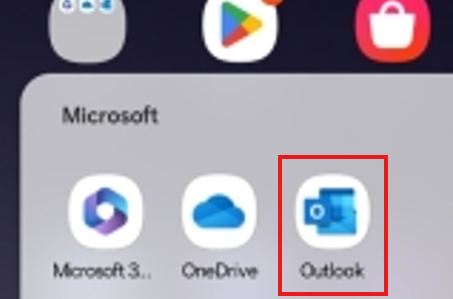
- Open the Outlook app.
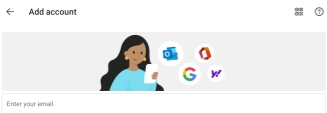
- When prompted, tap on Add Account.

- On the next screen, type in your work email and press the Continue button at the bottom of the screen.

- On the next screen, enter your password and complete multifactor authentication.
- If prompted to add another account, select Maybe Later.
- You will now be logged into Outlook.
- For other Microsoft 365 applications such as teams, it will automatically find your account.
